Lens Integrations
Bringing the power of Google Lens to billions of new users on three new surfaces: Chrome, YouTube and the Google app.
Unlocking the power to search what you see, wherever you are.
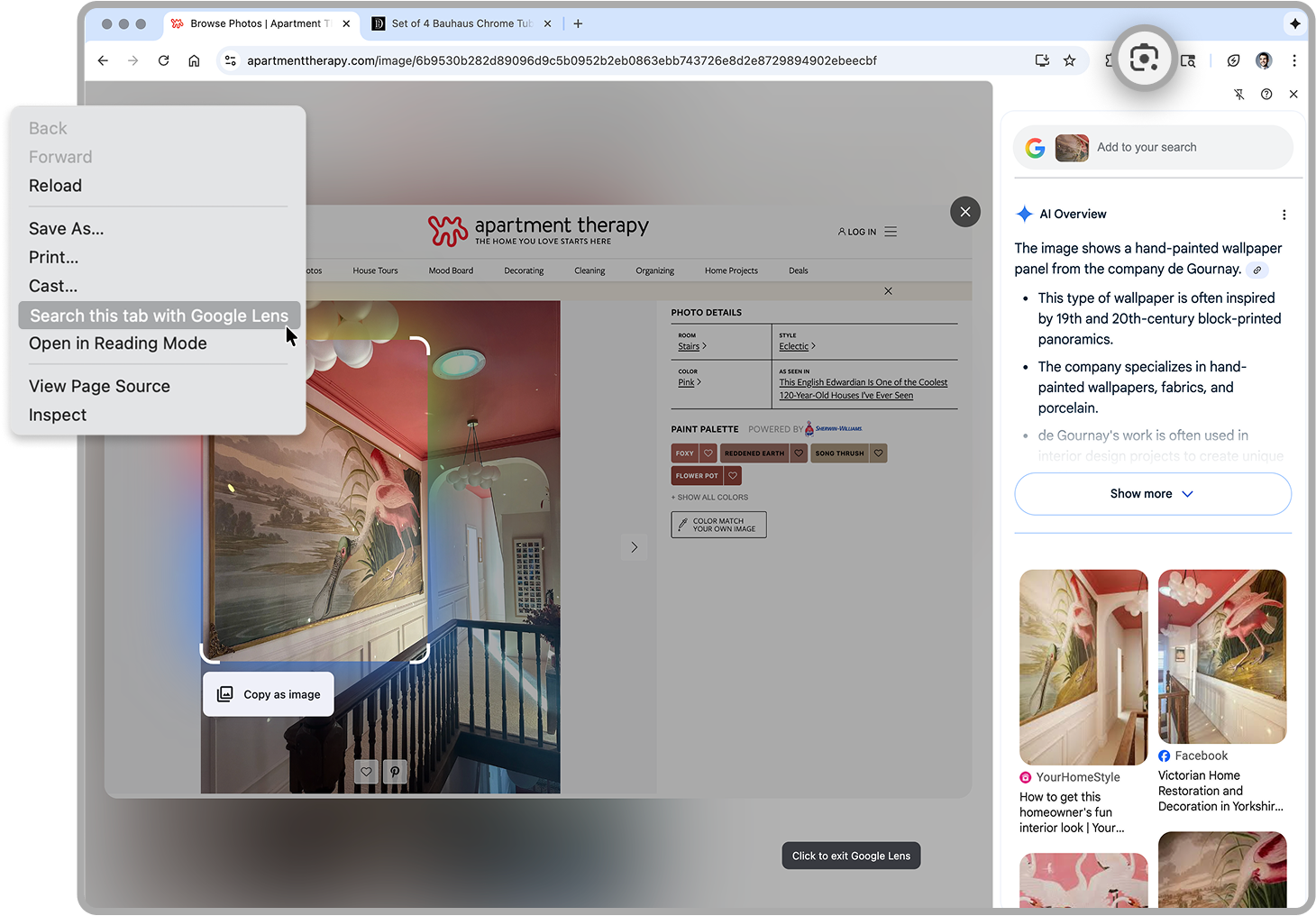
Browsing on Chrome
Right click or Lens Shortcut
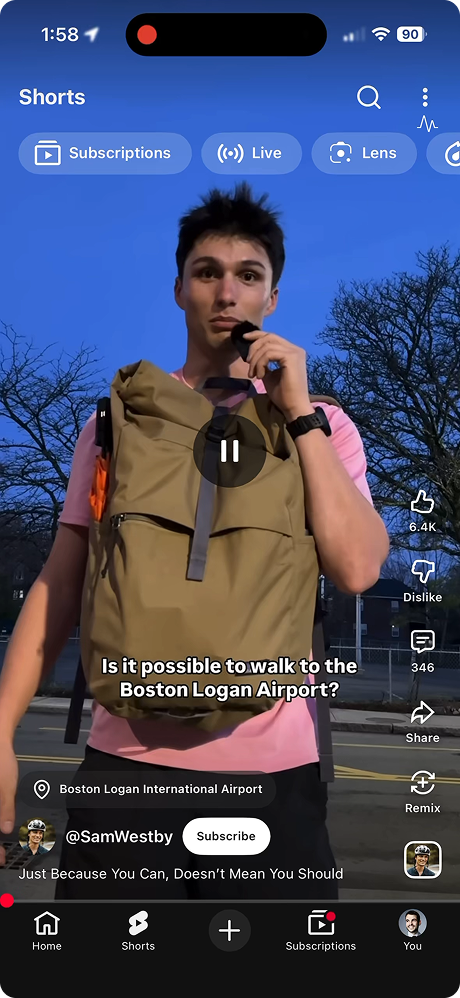
On YouTube
Pause and tap Lens
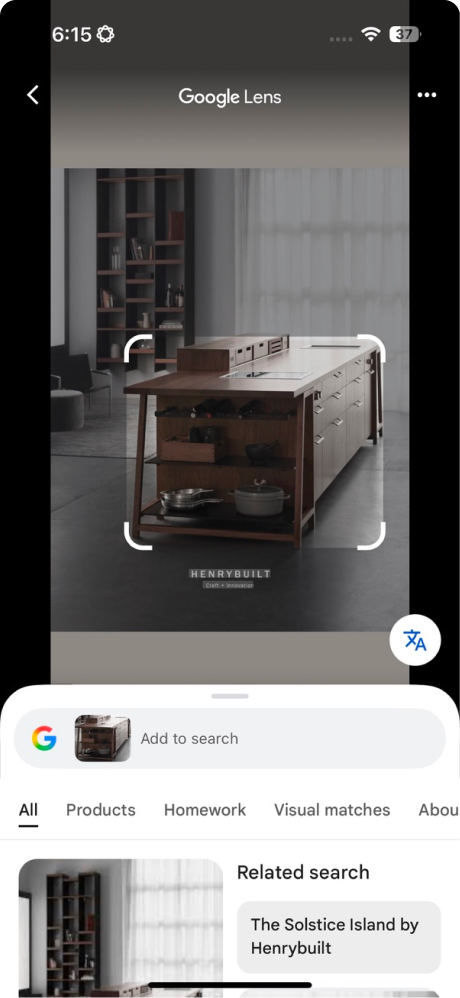
On the G App
Menu bar while browsing
Over 70% of Gen Z discovers a visual search intent while watching video or browsing the web
Data shows users commonly upload screenshots to Google Lens to search. This multi-step process shows extremely high intent, but is cumbersome and high-friction. The launch of Circle-to-Search on Android drove significant awareness (and desire) for similar features to power search journeys across platforms.
Shopping
- → Learn more about a product
- → See where to buy it
- → Compare prices
- → Find near me
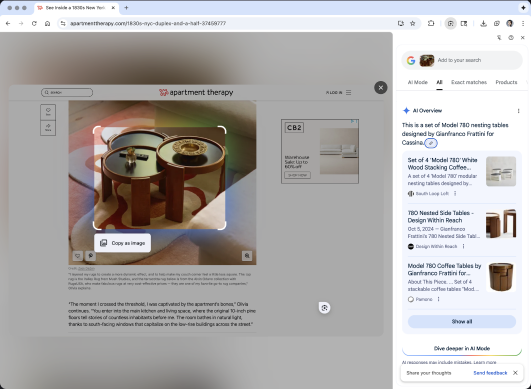
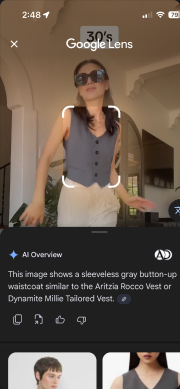
Info seeking
- → Learn more
- → Get an AI Overview
- → Read articles and get authoritative info
- → See similar images
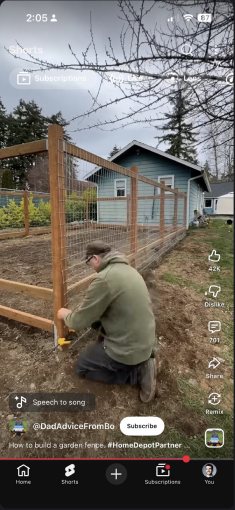
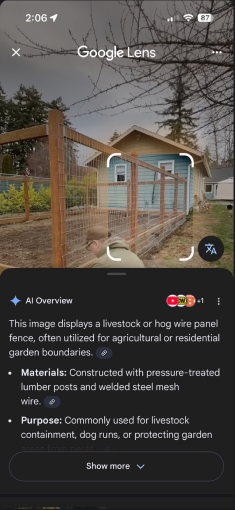
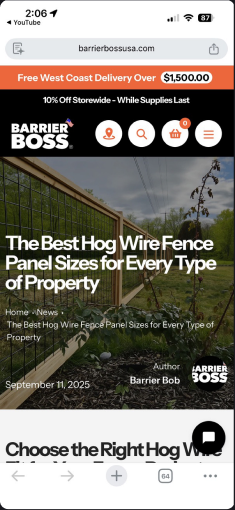
Image ID
- → Celebrities, political figures
- → Plants and animals
- → Places and travel destinations
- → Video games and movies
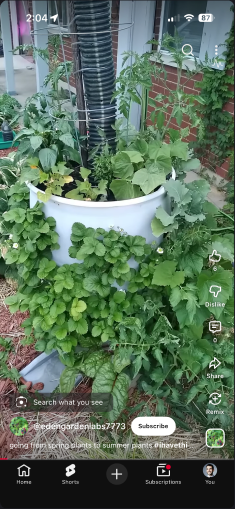
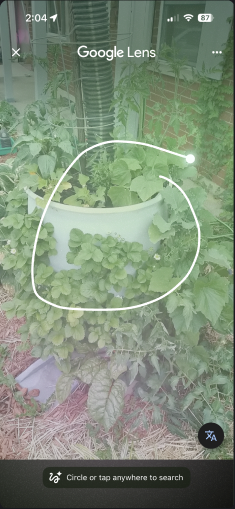
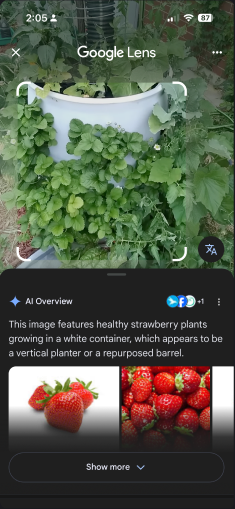
Three surfaces. One unified product experience.
Chrome Desktop, Chrome iOS, and YouTube each have their own design leadership, release cadences, and interpretation of what Lens should feel like on their surface. My job was to hold the product together across all three simultaneously.
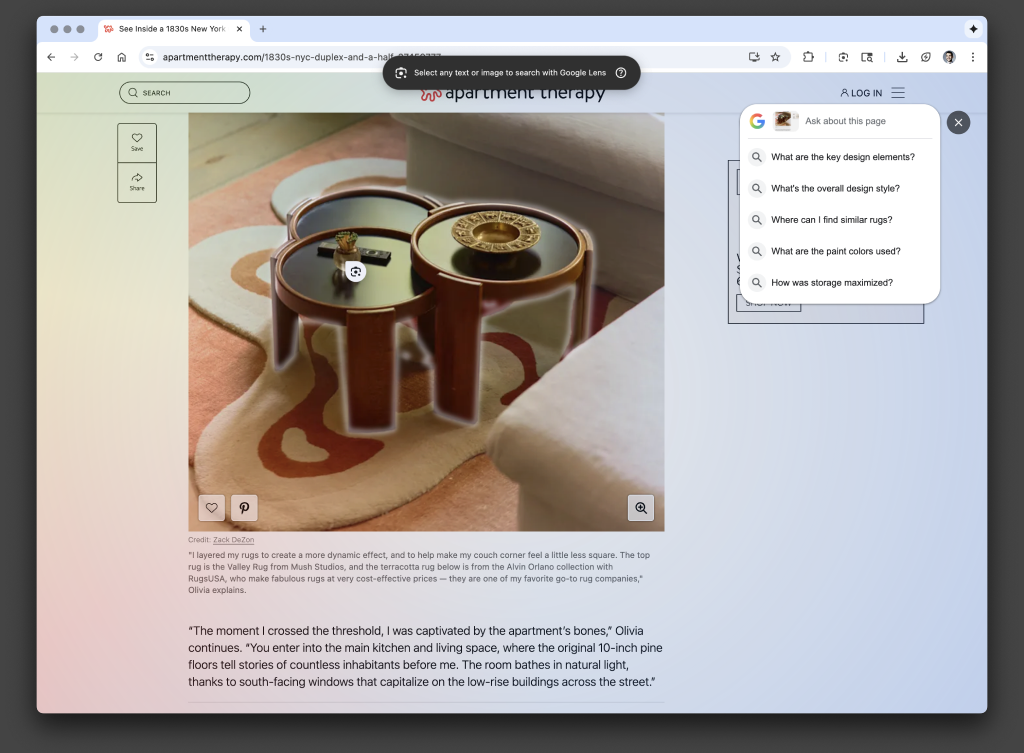
On Chrome Desktop, UXR confirmed circling was counter intuitive. To solve for this, we introduced a full-screen shimmer to capture the current page, simple click-and-drag and object identification on hover to make visual selection intuitive and seamless. Results returned in the Chrome sidebar, extending the browsing journey with results in a new tab.
1
See something you love
Right click or Lens Shortcut
2
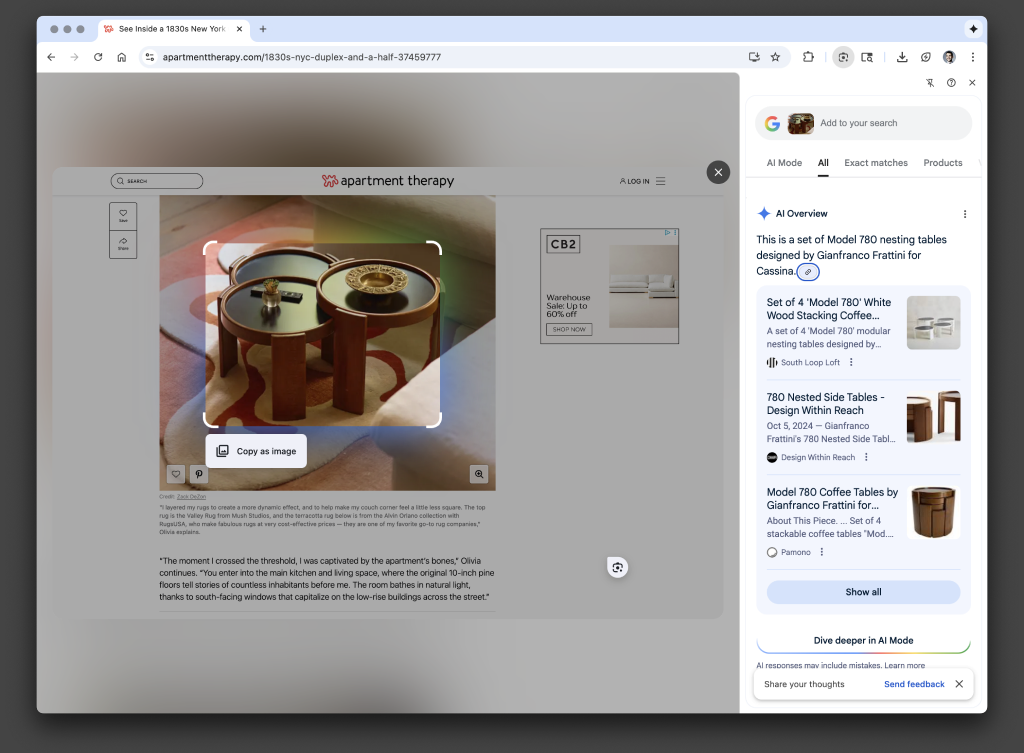
Search with Lens in Chrome
Click and drag to select
3
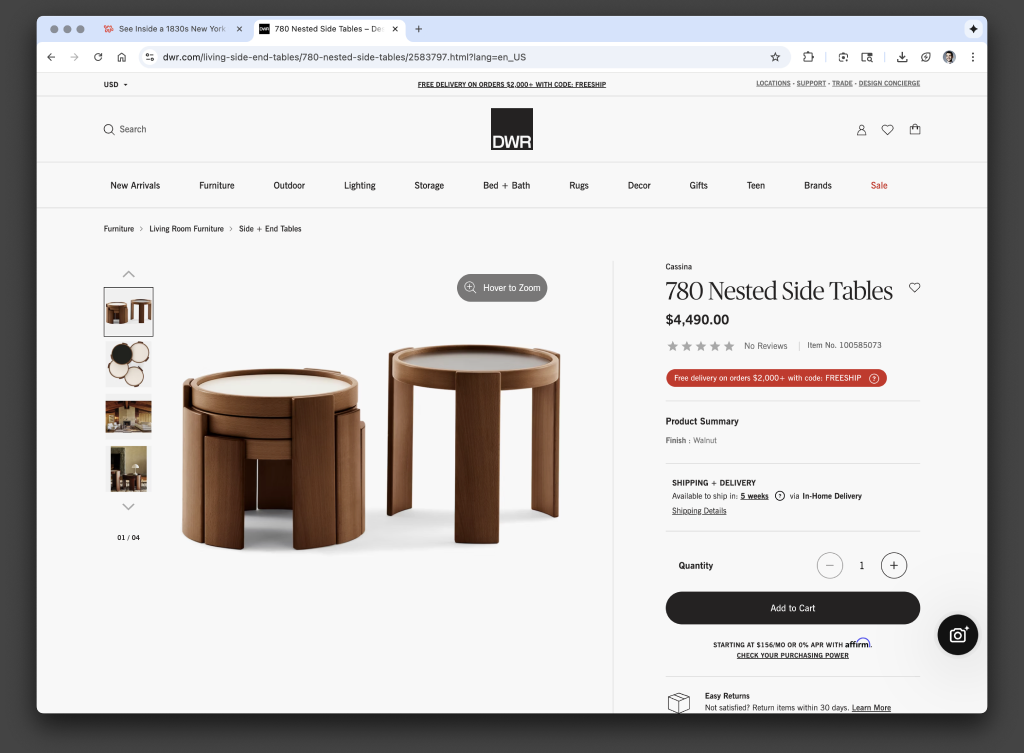
Shop results in a new tab
Easily browse without losing your place
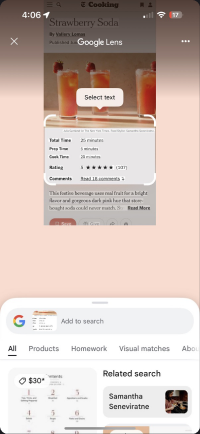
On Chrome iOS, we established a horizontally consistent Lens on iOS framework, assuring feature parity for every flow and micro-interaction. We built features to be customizable, allowing the Chrome team to disable the translate feature to avoid competing with Chrome's existing full-page translation. This also allowed the Lens team to maintain one clean codebase with no bespoke app implementations.
Zero State
(no translate)
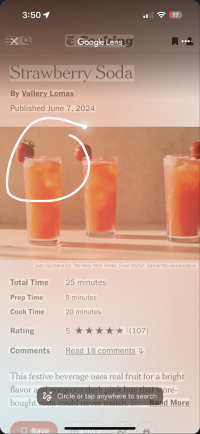
Image
Selection
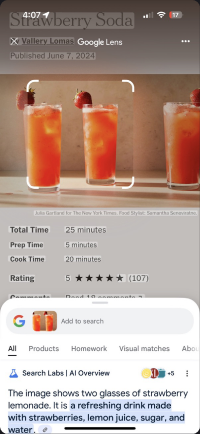
Modify
Selection
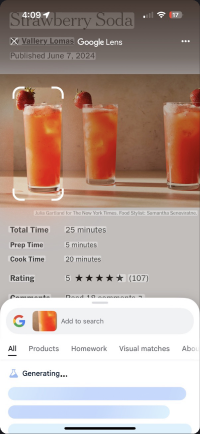
Text
Selection
YouTube Shorts unlocked the biggest opportunity for our target audience. 18–25 year old users praised the ability to effortlessly multi-task without leaving the app, making shopping, info seeking easy and accessible.
Pause
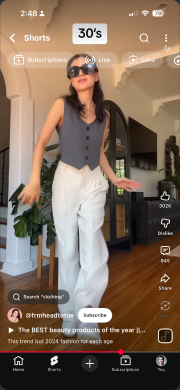
See something you love
Pause and tap Lens
Select
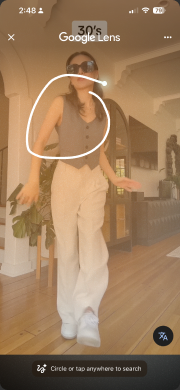
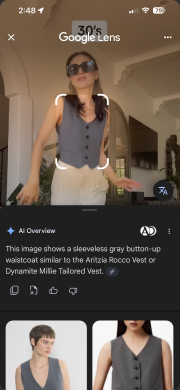
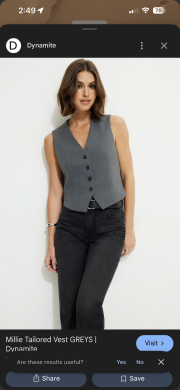
Search with Lens in YouTube
Circle to search right in the app
Shop
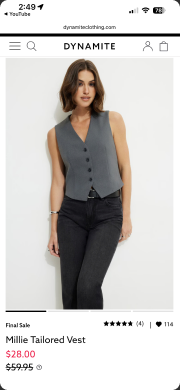
Shop results in browser
Easy return to YouTube when done
Unlike Chrome, the YouTube team was very eager to introduce translate in Shorts, as this was a noted product gap and pain-point for users.
With an aligned horizontal iOS framework for Translate components in place, it became simple for our team to independently test, QA and launch on-screen translate with minimal impact on YouTube teams and launch processes.
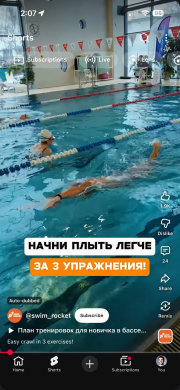
Pause and tap Lens
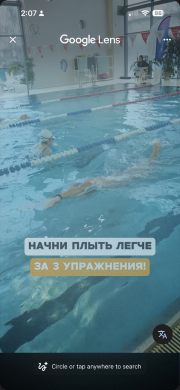
Tap translate
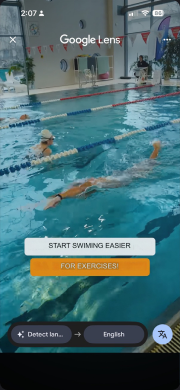
Default translation
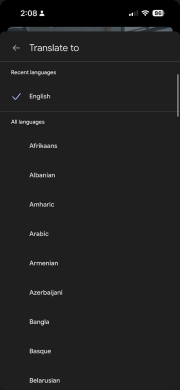
Translation picker
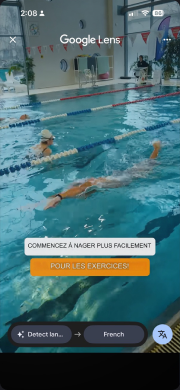
Multi-language support
- 🚀 Launched Lens on 3 1B+ DAU products after years of org planning and alignment
- 📊 Each integration showed measurable CTR growth, SRP visits and successful image responses (SIR) in months after launch
- 🤝 Functional prototypes opened strategic partnership conversations to integrate Lens on 3P apps including TikTok and WhatsApp